Voice Assistants for Hands-Free Control

What Can Voice Assistants Really Do?
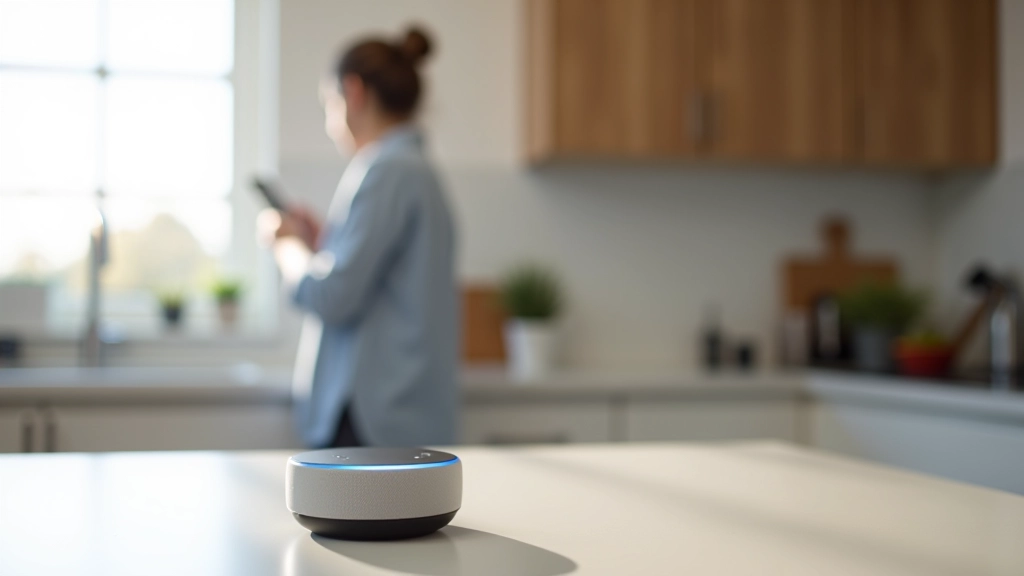
Voice assistants have become genuinely useful in Irish homes. They're not just novelty devices — they're practical tools for everyday life. You can set a timer while your hands are covered in flour, ask about the weather without picking up your phone, or control your lights from bed on a cold winter night.
The main ones available in Ireland are Amazon Alexa, Google Assistant, and Apple's Siri. They're all pretty similar in what they do, but they work best with devices from their own ecosystem. Alexa's the most popular here because Amazon's been pushing it hard, and honestly, it works well with most Irish accents.
Setting Up Your First Device
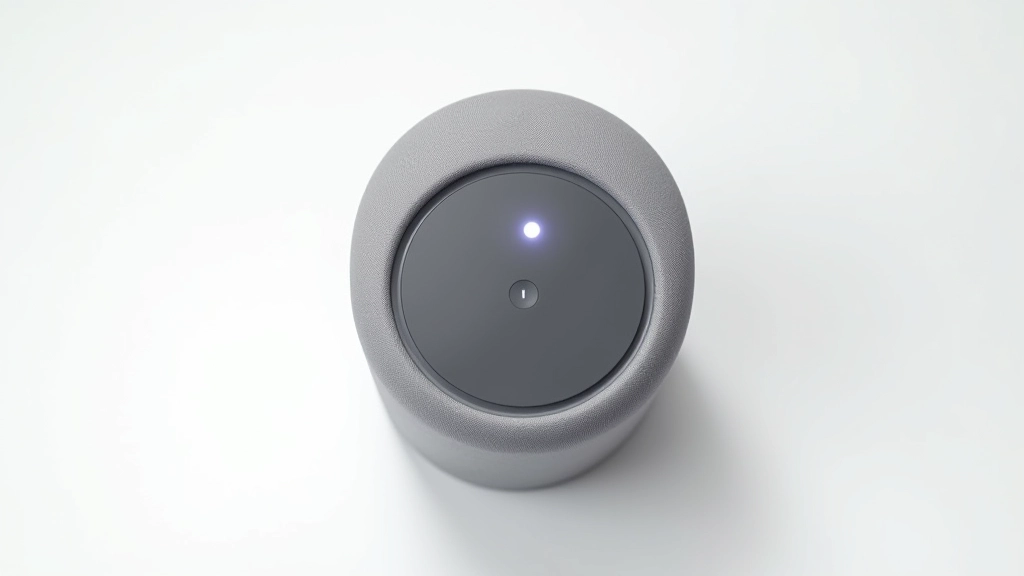
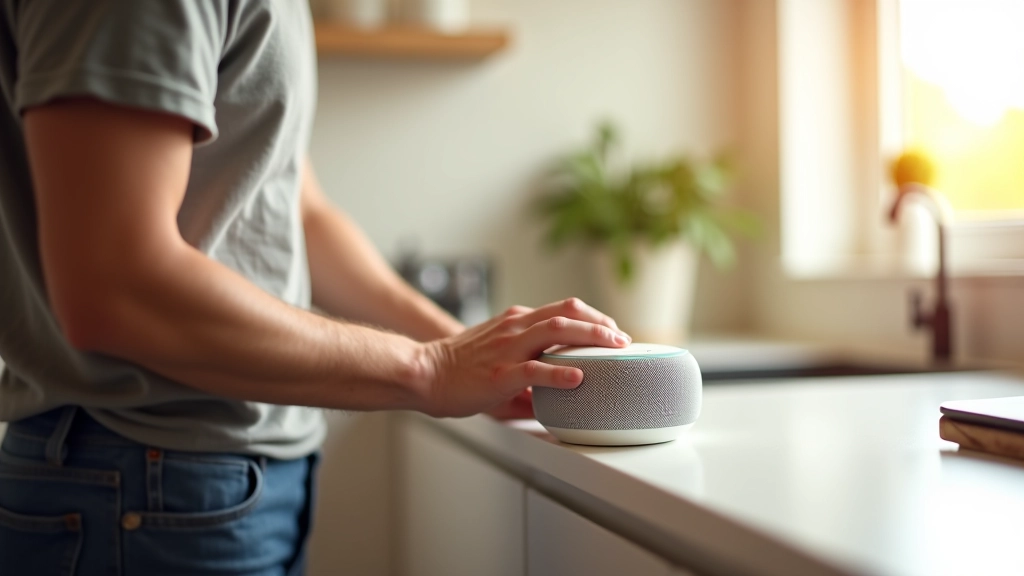
Getting started is straightforward. You plug it in, open the companion app on your phone, and follow the prompts. It takes about 10 minutes. The hardest part is choosing where to put it — most people stick one in the kitchen because that's where they're most likely to use it.
You'll need WiFi, obviously. And you'll need to create or sign into an account with Amazon, Google, or Apple. The device learns your voice patterns over time, so it gets better at understanding you the more you use it. If you've got a thick Cork accent or you're from West Cork, it might take a week or two to tune in properly, but it does work.
Pro tip: Place your speaker in a central location away from walls. Corners and enclosed spaces make voice recognition harder. A kitchen counter or living room shelf works best.
Five Things Voice Assistants Do Well
Timers and Reminders
Set multiple timers for cooking. "Alexa, set a timer for 20 minutes for pasta and 15 minutes for sauce." It's genuinely handy when you're juggling several things at once.
Shopping Lists
Add items to your shopping list while you're thinking of them. No more forgetting milk at the supermarket. You can check your list on your phone or have Alexa read it back to you.
Smart Home Control
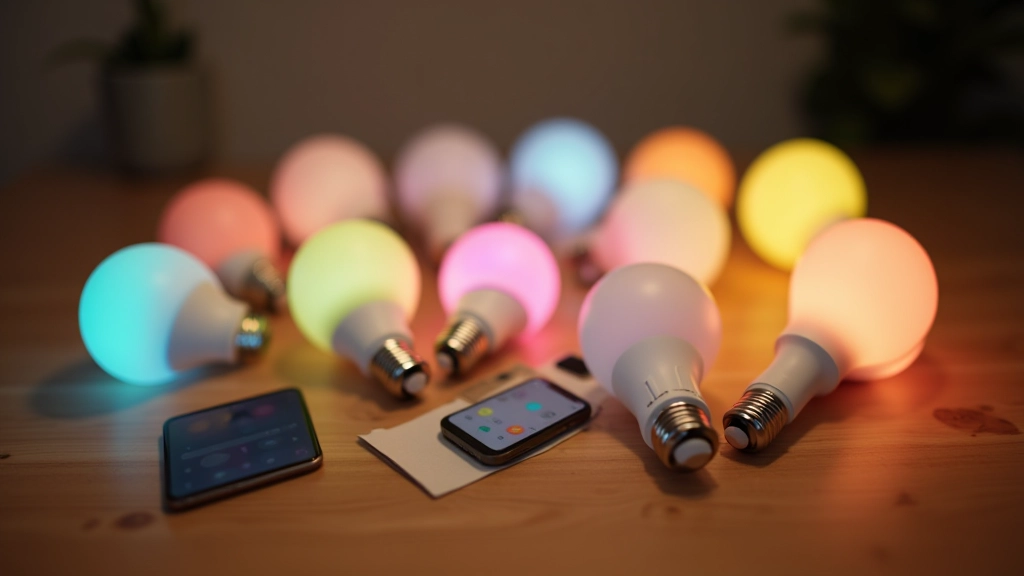
Control your lights, heating, and smart plugs with voice commands. "Alexa, turn off the living room lights" or "set the kitchen to 70 percent brightness." It's convenient on winter nights.
Weather and News
Ask about the weather forecast without opening your phone. Get quick news briefings. Useful if you're getting ready in the morning and want to know if you need an umbrella.
Music and Podcasts
Play music from Spotify, Apple Music, or Amazon Music. Stream podcasts. Request specific songs or ask for a playlist by mood or genre.
Calling and Messages
Make calls or send messages to contacts using voice. If your hands are wet or you're carrying something, you can still reach someone without putting everything down.
Real-World Examples
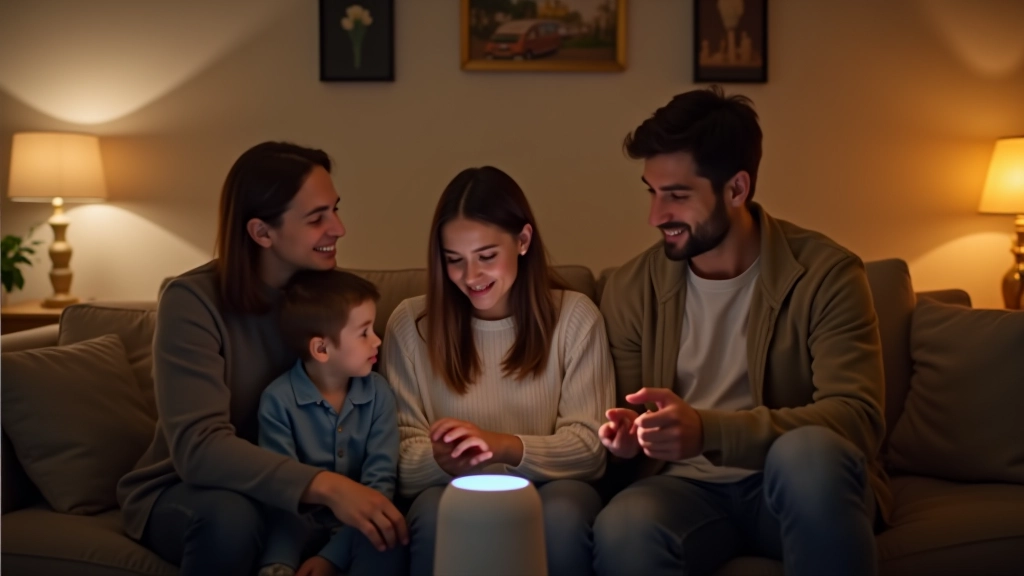
Here's what actually happens in Irish homes. You're making dinner, hands covered in raw chicken, and you need a timer. Voice command works. You're in bed on a freezing February night and don't want to get up to turn off the heating — voice command works. You're in the shower and remember you need milk — add it to your list with a shout.
The most useful thing? Probably the integration with smart lights and heating. You can say "Alexa, goodnight" and it turns off all your lights, locks your door, and sets your heating to night mode. That's actually convenient. Not a gimmick.
But here's what doesn't work well. Don't expect it to understand complex sentences or follow multiple instructions. And background noise is a problem — if you're watching telly or the kids are playing, it'll struggle to hear you. Plus, you need to use the exact wake word. You can't just say "hey Alexa, I'm asking you something" — you have to say the wake word first.
Privacy and Security
Yes, your device is listening. But it's not recording everything — it only starts recording after it hears the wake word. That's how it knows when to listen. Once you stop talking, it stops recording.
Amazon, Google, and Apple all have privacy policies you should read. You can delete your voice history, turn off voice recording, and disable the microphone physically on most devices. The big companies claim they don't sell your data, but they do use it to train their AI and show you targeted ads.
If privacy's a big concern, you can disable the microphone when you're not using it, or cover the device. But honestly? If you're comfortable with your phone in the house, you're already letting these companies track a lot. A voice assistant isn't much different.
Tips for Getting the Most Out of Your Device
Learn the Commands
Most people use about five commands repeatedly. "What's the weather," "set a timer," "turn off the lights," "add to my shopping list," and "play music." You don't need to memorize everything. Just start with what you need most.
Connect Your Smart Devices
The real power comes when you connect smart lights, plugs, or heating controls. Without them, you've got a fancy alarm clock and shopping list. With them, you've got genuine convenience.
Use Routines
Set up routines that run multiple commands with one phrase. "Goodnight" can turn off lights, lock doors, and set heating to sleep mode. It saves time and feels genuinely smart.
Speak Clearly
These devices work best when you speak clearly and pause between sentences. Mumbling doesn't work. But they're improving with accents — if it doesn't understand you at first, keep trying. It learns.
The Bottom Line
Voice assistants aren't going to change your life. They're not magic. But they're genuinely useful for everyday tasks. If you're already spending time in smart home setups with lights and heating controls, adding a voice assistant makes sense. You'll use it more than you think, especially once you set up a couple of routines.
The barrier to entry is low. A basic device costs €50-80, and you can try it risk-free for a month. If you don't like it, you can return it. But most people who give voice assistants a fair shot end up keeping them. They're just convenient enough to be worth the space on your kitchen counter.
Start with one device in your kitchen. Get comfortable with basic commands. Then, if you want more, add smart lights or a smart plug. You don't need to go all-in immediately. Voice assistants are best when they're part of a gradual smart home journey, not a big expensive overhaul.
Information Disclaimer
This article is provided for educational and informational purposes only. Product specifications, features, and pricing may change over time. Compatibility with Irish networks and regional services varies. Always check current product documentation and manufacturer specifications before purchase. This guide reflects general smart home practices and is not a substitute for professional installation advice. For technical setup issues or device-specific questions, consult the manufacturer's support team or contact a qualified smart home installer.