
Why Start With Smart Plugs?
Smart plugs are genuinely the best entry point into home automation. You don't need to rewire anything, hire an electrician, or worry about breaking something. Just plug it in, download an app, and you're done.
Here's what makes them so brilliant: you can take them with you when you move. If you decide smart home tech isn't for you, no problem — it's a small investment. Most people spend between €15 and €40 per plug, and that's it. No long-term contracts, no complicated setup.
The real value comes from controlling appliances you already own. Your lamp. Your kettle. Your fan. Your phone charger. Anything that plugs into a wall socket becomes smart overnight.

What You Can Actually Control
Real-world uses that'll make your daily routine easier.
Smart Lamps
Turn your bedside lamp off without getting up. Turn on the hall lamp when you get home. Schedule them to come on at dusk automatically.
Appliances & Fans
Control your portable heater, fan, or dehumidifier remotely. Perfect for turning things on before you get home on cold winter mornings.
Power Monitoring
See how much energy each device uses. Some plugs'll tell you if you've left something running when you shouldn't have.
Home Security
Turn lights on and off while you're away to make your home look occupied. Schedule plugs to turn on at specific times when you're on holiday.
Voice Control
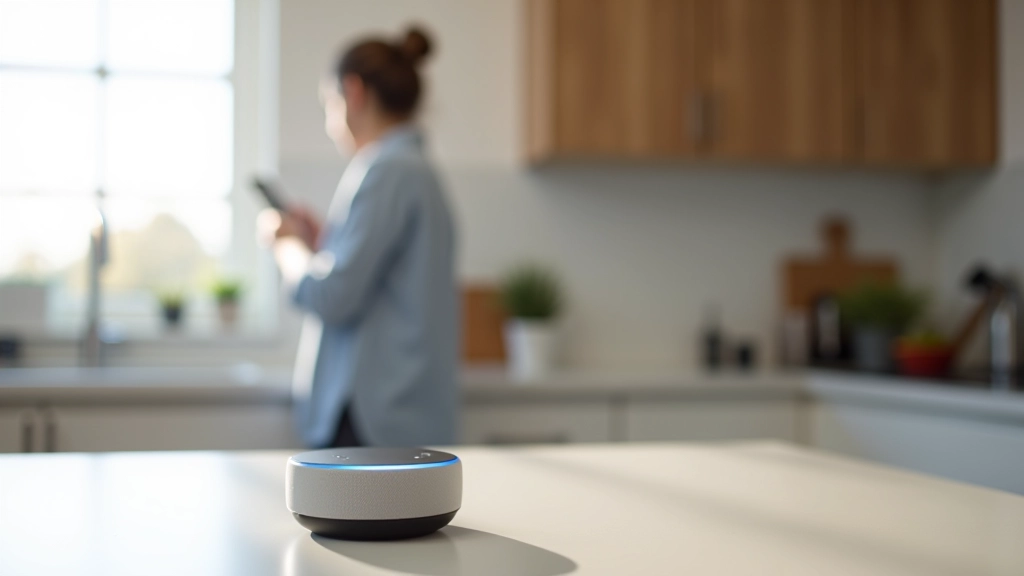
Works with Alexa and Google Home. Say "turn off the kettle" and it's done. No more remembering if you switched things off.
Automation & Scheduling
Create routines. Coffee maker on at 7 AM. Bedroom lamp off at midnight. Your devices do their thing without you thinking about it.
Setting Up Is Genuinely Simple
Most people have their first smart plug working within 10 minutes. No technical skills needed.
Plug It In
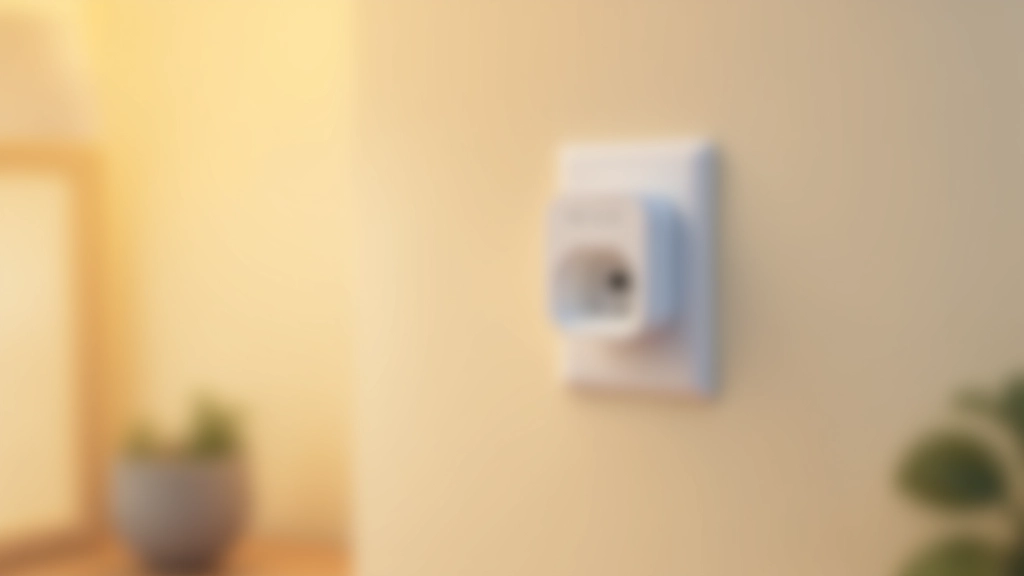
Just push the smart plug into a wall socket. The LED light'll turn on — that's it working.
Download the App
Most plugs come with a QR code. Scan it or search for the manufacturer's app (TP-Link, Tuya, Meross — whatever brand you've got).
Connect to WiFi
The app'll guide you through connecting the plug to your WiFi. You'll need your WiFi password, but that's the only thing you'll type.
Name It and Start
Give it a name like "Bedside Lamp" or "Kitchen Heater." Done. You can now control it from your phone.
Things Worth Knowing Before You Buy
WiFi Matters
Your smart plugs need a stable WiFi connection. If you're in a dead zone of your house, they won't work reliably. Most people don't have this problem, but it's worth checking if your WiFi's weak in certain rooms.
They Use a Tiny Bit of Power
Even when off, smart plugs draw a small amount of electricity to stay connected. We're talking about 0.5-1W per plug. Over a year, that's a few euros. Not a dealbreaker, just honest information.
Physical Buttons Are Still There
Most smart plugs have a physical button on them. If your WiFi goes down or your phone dies, you can still press the button to turn things on and off manually. It's a good safety feature.
Check Your Outlet Layout
Some plugs are chunky and might block adjacent outlets if you're using a double socket. Look for compact models if space is tight, or grab a multi-socket extension block.
Ready to Give It a Go?
Smart plugs genuinely are the easiest way to start with home automation. You're not making a huge commitment — most people spend less than €30 on their first plug. You can test things out, see if you like having remote control over your appliances, and then decide if you want to expand to other smart home devices.
And here's the thing: even if you never add another smart device, that one smart plug that turns off your bedside lamp without getting out of bed? That alone makes it worth it on cold winter nights.
Start with one plug. Pick something you use daily — your lamp, your heater, your phone charger. Get comfortable with how it works. Then add another if you want. That's genuinely how most people build their smart homes.
Disclaimer
This article is for educational and informational purposes only. Smart plug compatibility, functionality, and performance may vary depending on your specific WiFi setup, device model, and manufacturer. We recommend consulting the manufacturer's instructions before installation and use. Always follow electrical safety guidelines and your home's building regulations when installing any electrical devices. Product availability and features mentioned are based on general market offerings and may change. For technical support or specific device questions, contact the device manufacturer directly.
Explore More Smart Home Topics